

Finding the perfect laser settings for DXF patterns is the difference between a masterpiece and wasted wood. If you own a laser cutter, you know the pain of ruined material. In fact, nothing hurts more than seeing a sheet of expensive 3mm plywood burn. This usually happens because of bad settings or poor files. However, you can fix this easily. By understanding your material and using clean vectors, you can achieve flawless cuts every time.
Why Perfect Laser Settings for DXF on Plywood Matter
Most creators prefer using 3mm plywood for their projects. It is lightweight, affordable, and looks beautiful. However, it is also very sensitive to heat. If your speed is too slow, the edges will char. On the other hand, if the power is too low, the laser will not cut through.
Therefore, finding the perfect laser settings for DXF files on plywood is a balancing act. You cannot rely on default machine settings alone. Every sheet of wood is slightly different. Consequently, you need a strategy to test your files before committing to a full cut.
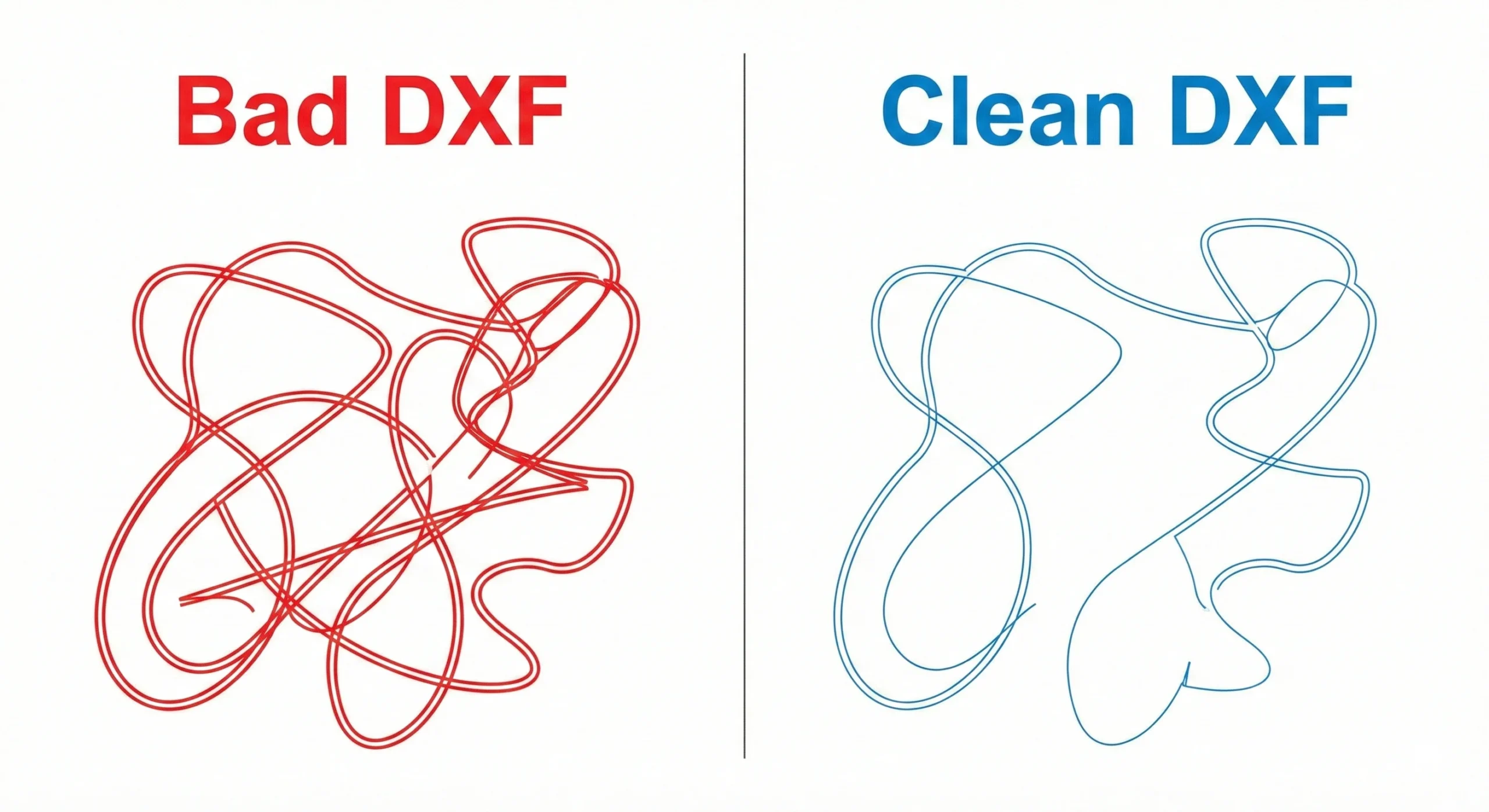
The Hidden Enemy: Overlapping Lines in DXF Files
Often, the problem is not your machine. Instead, the problem is the file itself. The biggest technical mistake in free DXF files is overlapping lines. This happens when a designer accidentally stacks two lines on top of each other.
To the human eye, it looks like a single line. However, the laser cutter sees two distinct paths. As a result, the laser cuts the same spot twice. This causes excessive heat buildup. Ultimately, this leads to ugly burn marks and ruined edges. At FreeDesignStock, we clean our files manually. We remove all overlaps. This ensures that when you dial in the perfect laser settings for DXF cuts, the machine executes them smoothly without double-cutting.
How to Test Your Accuracy with Mandalas
You need a complex design to truly test your machine. Simple shapes are too easy. Therefore, we recommend testing with our Mandalas category. These designs are intricate and detailed. They have many curves and sharp corners.
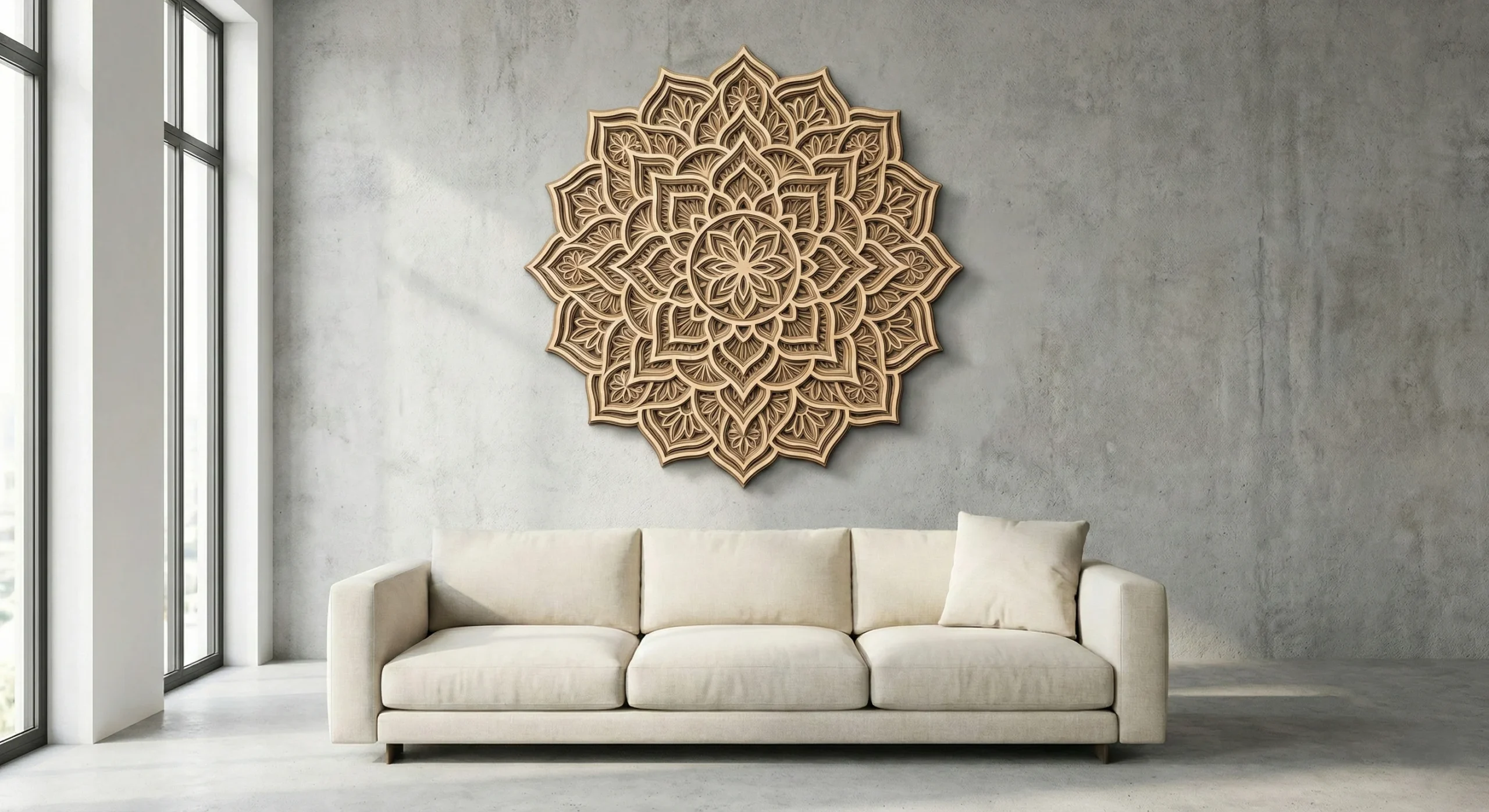
If you can cut a Mandala on 3mm plywood without burning the small details, your settings are correct. Start with a test cut. Use a small corner of your material. Adjust your speed upwards in small increments. Once you find the sweet spot, save those numbers. Then, download one of our free Mandalas. Apply your perfect laser settings for DXF projects and watch your laser create magic without wasting a cent.