
Download Your Reason Clarity Free SVG
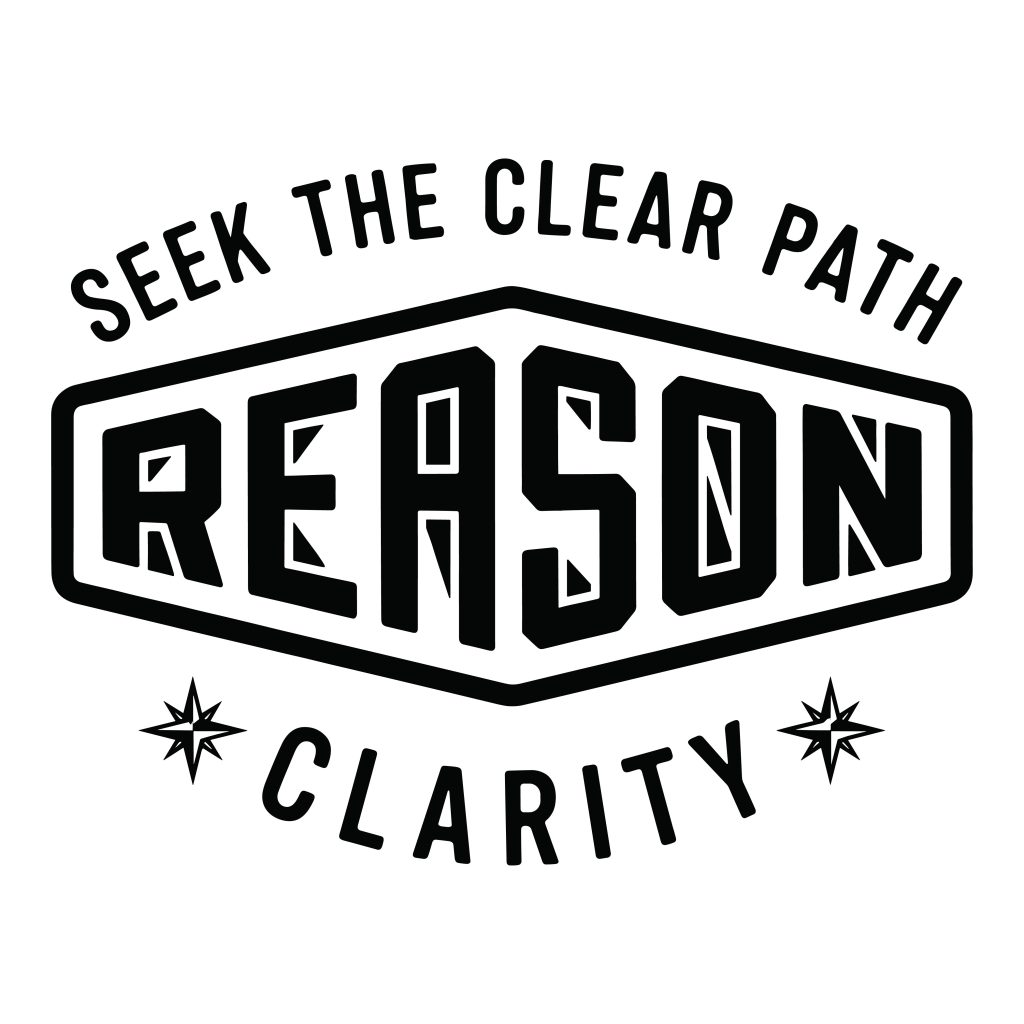
Welcome to your next creative project! You might be looking for a bold, vintage-inspired design. Therefore, our reason clarity free svg is exactly what you need. First, this typography badge features a motivational quote. It simply says “Seek The Clear Path – Reason – Clarity.” Additionally, it is available for completely free download. As a result, this makes it an ideal choice for personal and commercial crafting. For instance, you can easily create eye-catching apparel or unique home decor. Ultimately, this design delivers a classic aesthetic that stands out.
Perfect Files for Cricut and Silhouette
When you download this archive, you receive five versatile digital formats. Specifically, these include SVG, DXF, EPS, PDF, and PNG. Furthermore, this reason clarity free svg uses clean lines and solid colors. Consequently, there are no complex gradients to slow you down. Indeed, it is fully optimized for modern vinyl cutting machines. Thus, you can import these vector files into Cricut Design Space easily. Moreover, they also work perfectly in Silhouette Studio. As a result, you will enjoy effortless cutting, weeding, and engraving. Most importantly, you will avoid the frustration of overlapping layers.
Endless DIY Crafting Possibilities with this Reason Clarity Free SVG
The possibilities for physical products are truly endless. To begin with, you can use the transparent PNG for sublimation projects. In addition, it works perfectly for direct-to-garment printing and web graphics. On the other hand, the EPS and PDF formats are professional-grade vectors. Therefore, you can scale them infinitely without losing visual quality. For example, you can make trendy streetwear t-shirts or custom coffee mugs. Similarly, you can create rustic farmhouse wall art or canvas tote bags. Above all, this emblem adds a bold statement to your creative work. Please explore our Trendy T-Shirt Designs category for more inspiration.
How to Use Your Vector Files
Finally, you might wonder how to get started. First, download the provided zip folder directly from our website. After that, extract the files to your computer or mobile device. Next, select the specific file format that matches your crafting software. For instance, choose the DXF file for older cutting machines. Conversely, use the SVG file for newer software. In conclusion, we strive to make crafting as simple as possible for everyone.
Free – Purchase